XenApp and RDS Sizing Part 2 - Determining Farm Capacity
XenApp and RDS Sizing Part 2 - Determining Farm Capacity
This article is part of a mini-series. You can find the other articles here. As we have seen in part 1 of this series, when sizing a new farm the first thing we need to know is the capacity of the existing farm. Armed with data on capacity and additionally load, we can easily calculate the capacity of a new farm. In this article I describe how to determine capacity of the four relevant hardware components of a XenApp server: CPU, memory, storage and network.
Citrix/Terminal Services/Remote Desktop Services
What Remains of Magic Speed Improvements

What Remains of Magic Speed Improvements
Doesn’t every IT pro dream of finding a secret switch, a switch that increases clock speed, doubles the amount of RAM or makes the PC boot faster? Some do, and I admit I was fascinated when I heard that changing a simple boot option would significantly speed up startup time. I made some tests which confirmed what I had heard and blogged about my findings. A lot of people picked up that post, I was happy and everything was great - until I found out I was wrong.
Performance/Sizing

Solved: Firefox Freezes Every 10 Seconds, Scrolling is Jumpy

Solved: Firefox Freezes Every 10 Seconds, Scrolling is Jumpy
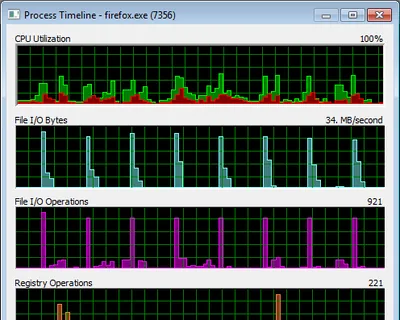
Problem Firefox (3.6.13) intermittently freezes. This happens during scrolling, text input, basically everywhere in the user interface, rendering the browser nearly useless. Analysis While browsing amazon.de I created a log of Firefox’s activities by recording system activity for 85 seconds with Sysinternals Process Monitor. I then filtered the log to include only Firefox activities. Clicking on Tools -> Process Activity Summary I got:
Performance/Sizing

How to Analyze Kernel Performance Bottlenecks (and Find that ATI's Catalyst Drivers Cause 50% CPU Utilization)

How to Analyze Kernel Performance Bottlenecks (and Find that ATI's Catalyst Drivers Cause 50% CPU Utilization)
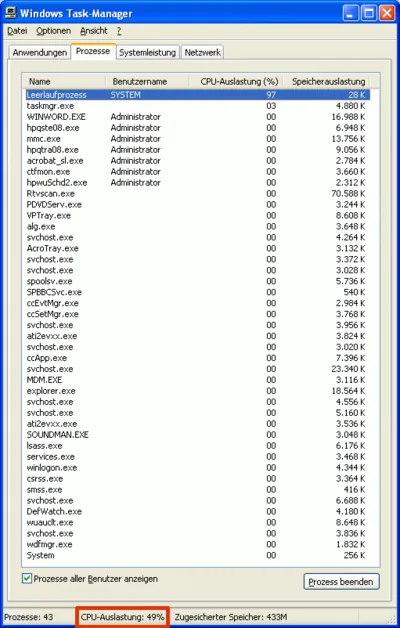
Normally, finding the cause for high CPU utilization is easy - just start Task Manager. But what if the component consuming CPU cycles is a driver that runs in the kernel? In that case, there is no regular process Task Manager could attribute the usage to. You will see the “System Idle Process” at around 98%, but the “Performance” tab might indicate 50% CPU usage. How can that be?
Performance/Sizing

Four Ways to Increase the Capacity of Your Citrix XenApp Farm

Even with the most meticulous design, the day will come when your farm’s capacity is not sufficient any more. User numbers increase, applications become more resource-hungry and the amount of data to be handled increases steadily. So what do you do? Simply more of the same, i.e. buy more servers and add them to the farm? That is one way of increasing capacity, but it is not the only one and therefore may not be the best.
Performance/Sizing