Windows Server 2008 (R2) Component Posters
- Windows General
- Published Aug 10, 2007 Updated Oct 26, 2010
[Updated 2009-12-11 for Server 2008 R2]
Microsoft has published two visually very appealing posters which depict in great detail important components of its upcoming OS Server 2008. The poster on Active Directory Components details Lightweight Directory Services (formerly ADAM), Federation Services (ADFS), Rights Management Services, Group Policy, Management and Read-Only Domain Controller.
The second poster shows the major new or updated features Terminal Services, Network Access Protection (NAP), IIS 7, Virtualization, Server Manager/Backup and Server Core. The following two screen shots give a low-res preview.
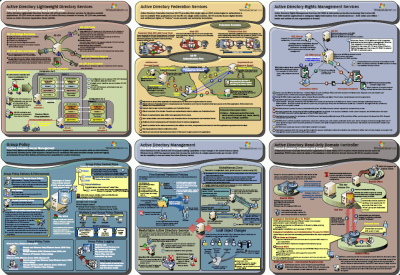
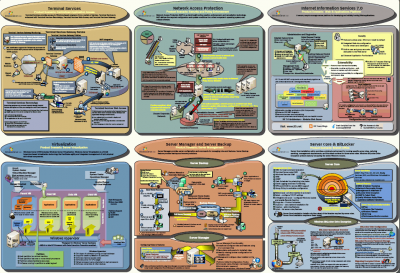
I recommend printing out these two posters on the largest format color printer you can find and decorate your walls with them. The wife is going to love you for this.
Windows Server 2008 R2 Feature Components Poster
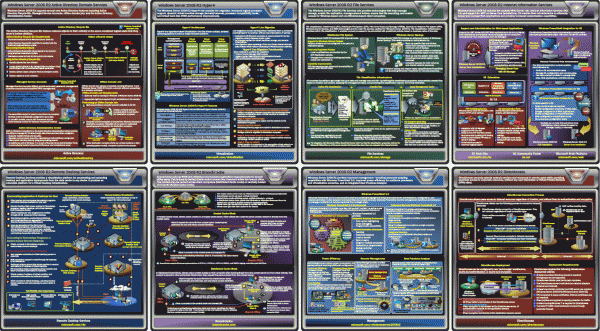
More than two years after I initially posted this article, Windows Server 2008 R2 is out and Microsoft has published a new components poster. I covers Active Directory Domain Services, Hyper-V, File Services, Internet Information Services, Remote Desktop Services (formerly Terminal Services), BranchCache, Management (PowerShell) and DirectAccess. Here is a low-res preview:
Hint: Adobe Reader 7 has massive performance problems with the files, it even brought up an error when rendering the Feature Components poster. Adobe Reader 8.1 is not only much faster but also more resilient. Adobe Reader 9.2 has not problems loading the posters, although it needs a couple of seconds for rendering.
Download
The posters can be downloaded here:




Comments