DiskLED is Now Open Source
- Helge's Tools
- Published Jun 17, 2018
DiskLED is a tool I wrote a while ago that displays performance counter data using an animated system tray icon. It comes with a graphical configuration dialog that lets you choose from all performance counters available on the local system – you can monitor network throughput just as easily as hard disk activity or memory usage.
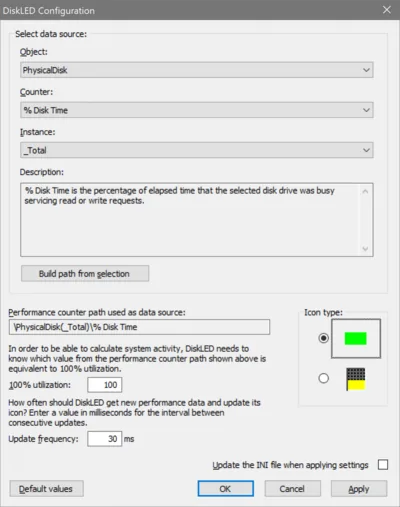
There still seems to be a decent userbase - after all, DiskLED works on Windows 10 just as well as it did on XP. I sometimes get requests for new features or modifications. Unfortunately, I do not have the time for that. But I am more than happy to comply with Brian H’s request to make DiskLED open source.
You can find DiskLED’s source code on GitHub. Have fun!





Comments