Access Based Enumeration on Windows 7
- Windows Internals
- Published Feb 3, 2012 Updated Mar 20, 2013
Access Based Enumeration (ABE) is a well-hidden feature even in Windows Server, where it can be configured per share, but only in the Share and Storage Management MMC and not when right-clicking a folder in Explorer. Thanks to the shared code base ABE is available in Windows 7, too, although hidden even better. Let’s find out how to enable it anyway.
First we need a share to play around with. I set up a shared folder with three subfolders. When I access it over then network, everything looks as expected:
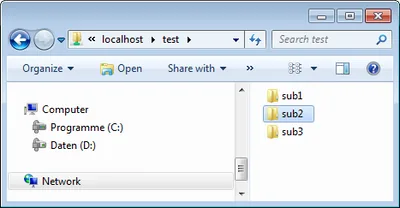
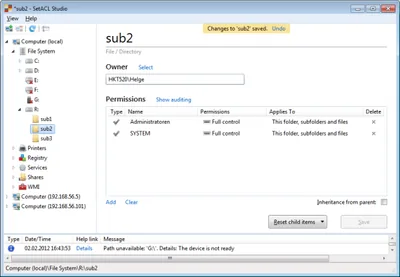
Next we remove permissions on one of the subfolders so that users do not have read access any more. We do that with SetACL Studio, of course!
Then we download the free tool ShrFlgs and issue the following command in an elevated prompt:
D:\>ShrFlgs.exe \\localhost\test /abe true /forreal

ShrFlgs V01.00.01cpp Joe Richards (joe@joeware.net) February 2005

Share: test
  Path       : R:\
  Remark     :
  Max Use    : Unlimited
  Current Use: 1
  SDDL       :
  Flags
       Manual Client Side Caching
       Exclusive Opens Allowed
       Force Delete NOT Allowed
       Namespace Caching NOT Allowed
       Access Based Enumeration

The command completed successfully.
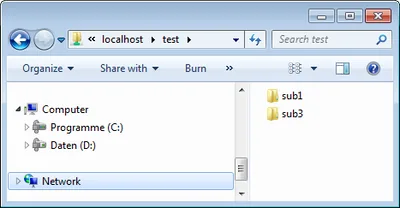
Finally we check again in Explorer, and voilà, the directory sub2 is gone:






Comments